Portfolio
BIOS Programming

BIOS Programming & Flashing
When the chip that boots your computer stops talking to everything else, no amount of restarting fixes it. Here's what BIOS actually does, how it fails, and how we bring a dead board back with a working firmware chip.
The program that wakes your computer up
BIOS — Basic Input/Output System — is the program a computer's microprocessor runs to start the system the moment it's powered on. It's the very first thing awake, before any operating system.
It also manages the flow of data between the operating system and the devices plugged into it — the hard disk, video adapter, keyboard, mouse, and printer all pass through BIOS first.
Fifty years of booting computers
The term was first coined in 1975 by American computer scientist Gary Kildall. BIOS was built into IBM's first personal computer in 1981, and over the following years became a standard part of nearly every PC.
That popularity has since given way to UEFI (Unified Extensible Firmware Interface). Intel announced plans in 2017 to retire legacy BIOS support by 2020 in favour of it — though "BIOS" has stuck around as the everyday name for a machine's startup firmware.
The middleman between hardware and OS
BIOS's main job is acting as the go-between for the operating system and the hardware it runs on — it sits between the microprocessor and the flow of data and control information to and from every I/O device.
There are exceptions: some devices that need faster throughput, like video cards, can be arranged to send data directly to memory instead of routing everything through BIOS.
Where BIOS actually lives
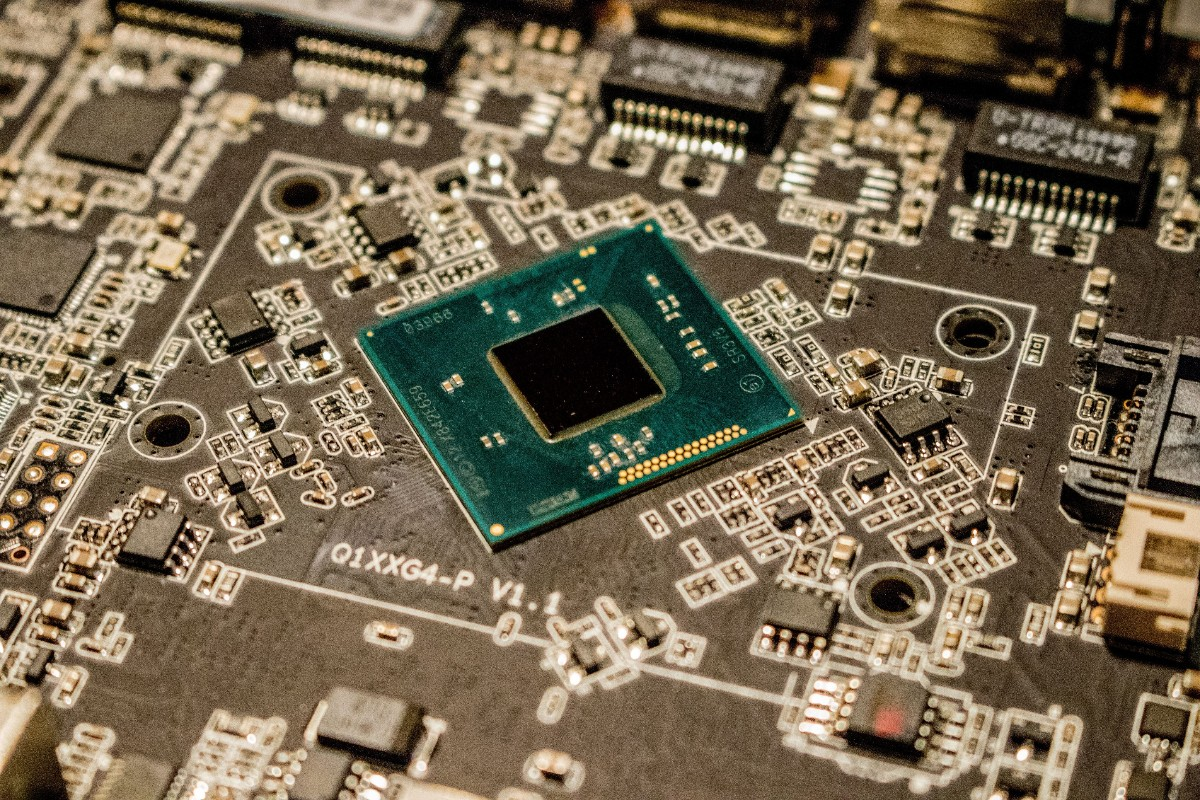
BIOS ships with the computer as firmware on a chip on the motherboard — unlike an operating system, which is installed. It sits on an erasable programmable read-only memory (EPROM) chip, always in the same physical location, so the processor always knows exactly where to find it.
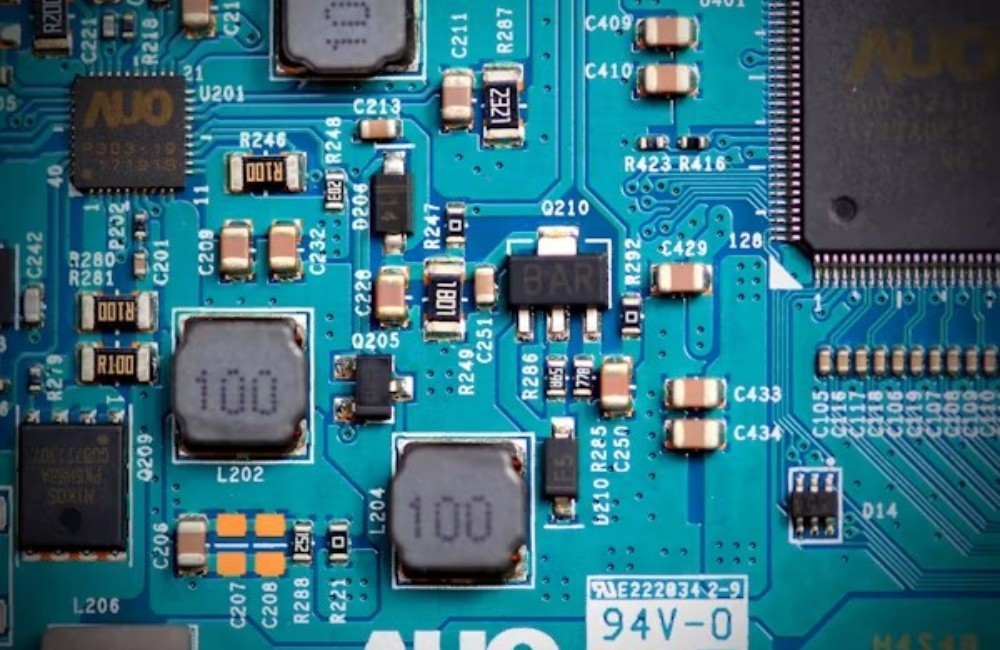
On power-up, control passes to BIOS first. It checks that every necessary boot device is present and working. Only once those checks pass does it load the operating system, or the key parts of it, into RAM from the hard disk.
Four jobs, done in order
BIOS identifies, configures, tests, and connects the computer's hardware to the OS right after power-on — together, this is called the boot process, carried out by four core functions.
Tests the computer's hardware before the operating system is allowed to load.
Locates the operating system once hardware checks pass.
Finds the software and drivers that interface with the OS once it's running.
A configuration program that lets users alter hardware and system settings — CMOS is the name of BIOS's own non-volatile memory.
Getting into BIOS Setup yourself
Because BIOS handles hardware addresses on the OS's behalf, only the BIOS program needs to change when device details change. Users can access and configure it through the BIOS Setup Utility. The exact method varies by computer, but the steps are generally the same:
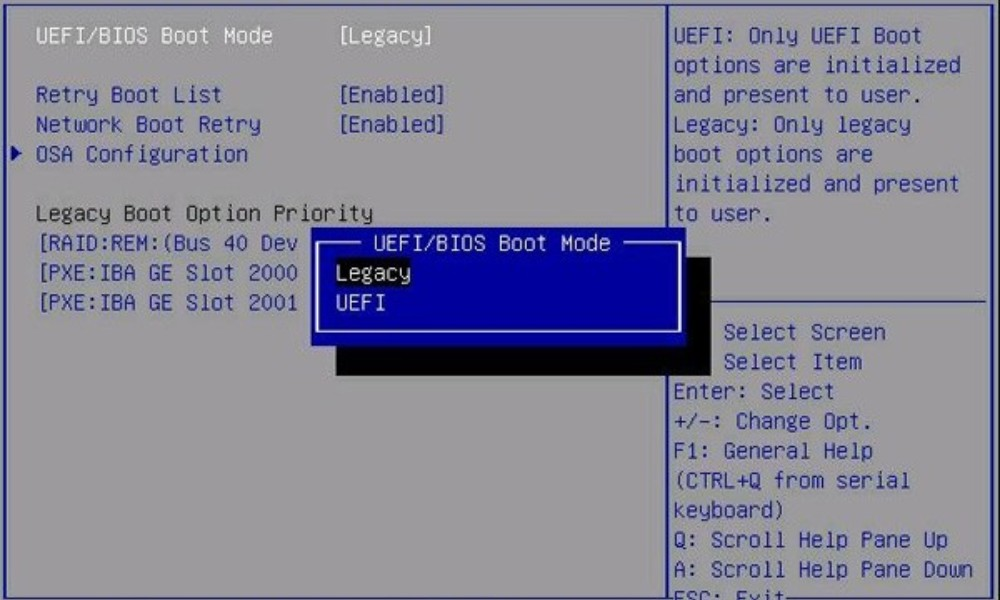
Reset or power off the computer, and watch the very first screen that appears when it turns back on.
Look for a message like "entering setup," paired with a key to press — for example, "Press key to enter BIOS setup." Common keys are Del, Tab, Esc, or any function key F1–F12.
Press the specified key quickly once you see the prompt.
Once inside BIOS Setup Utility, you can change hardware settings, manage memory settings, change the boot order or boot device, and reset the BIOS password, among other tasks.
The layer of security most people forget
BIOS security is somewhat overlooked in cybersecurity conversations, but it still needs managing to keep hackers from running malicious code on the OS. In 2017, security group Cylance showed how BIOS flaws could let ransomware embed itself inside a motherboard's UEFI and exploit other vulnerabilities.
A separate exploit, Plundervolt, manipulated a computer's power supply at the exact moment data was being written to memory, causing errors that opened security gaps. Intel released a BIOS patch specifically to defend against it.
Who builds the chip
BIOS was originally owned by IBM, until companies like Phoenix Technologies reverse-engineered it — legally opening the door for others, including Compaq, to build IBM-compatible machines. Today, many manufacturers produce motherboards with their own BIOS chips, among them:
Knowing your motherboard's manufacturer matters when it's time to update BIOS or chipset drivers. Updates can improve performance or patch recent BIOS-level vulnerabilities, and each manufacturer handles the process a little differently.
Signs your BIOS chip has failed
The most common symptoms of a corrupted BIOS in a laptop, or any other computer:
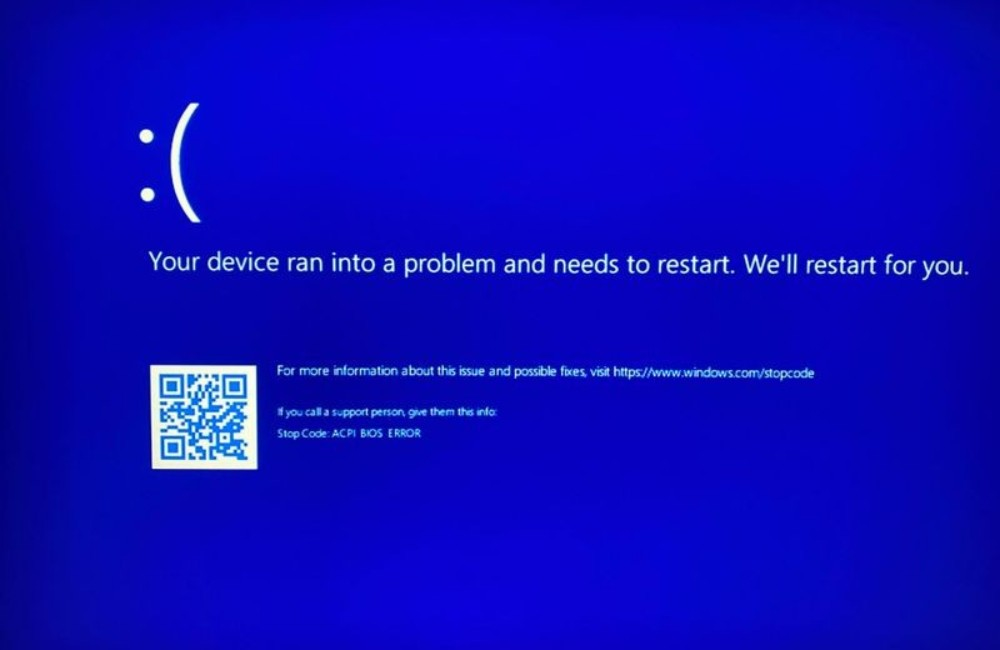
The same failures show up on MacBooks, iMacs, and Mac minis just as often as on Windows laptops and desktop towers. Repair pricing varies between portable and desktop machines, and from one device to the next.
Our BIOS programming & flashing work
Work carried out on a corrupted BIOS chip includes, but isn't limited to:
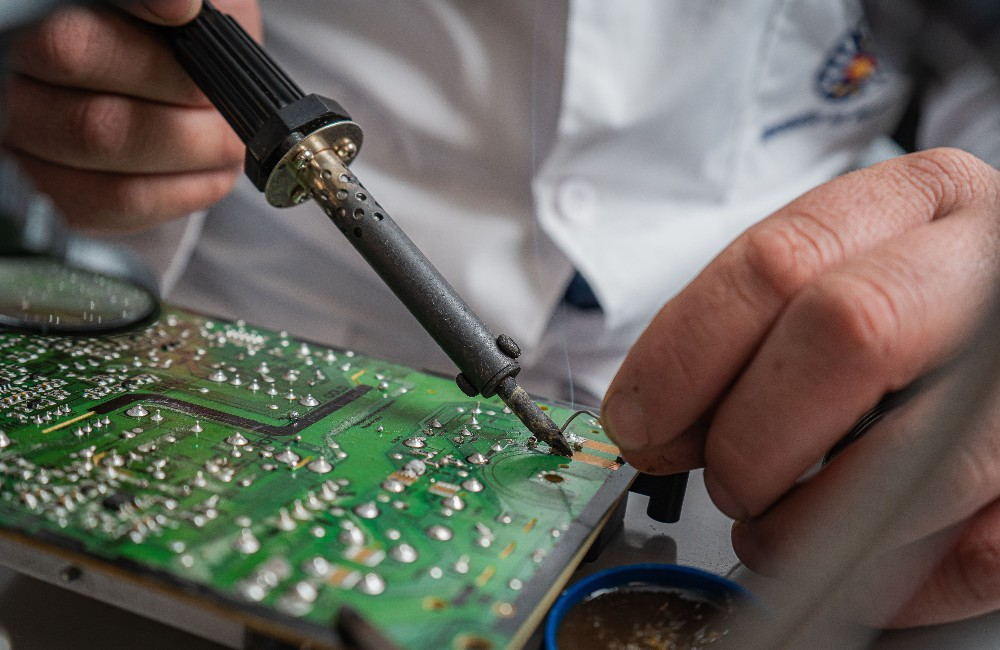
Flashing BIOS onto a chip — you bring the chip and the file.
Chip removal and re-soldering back onto the motherboard.
Full laptop disassembly and reassembly — you bring the BIOS file.
End-to-end service: disassembly, cleaning the cooling system hardware, chip removal, flashing a new BIOS file, re-soldering the chip to the motherboard, reassembly, and full function testing.
Don't know what's actually wrong with your computer? Contact us or bring it in for evaluation and a price quotation.
Bring us the board. We'll bring it back.
Nationwide delivery and mail-in repairs available, with technicians in Nairobi CBD ready for same-visit evaluations.